Guide

How to add captions to a video with AI

Connect cuttingfloor to the agent you use (Kazi, Claude or ChatGPT) and ask for captions. It transcribes your video with the time of every word, places the captions where each line is said, can highlight each word as you say it, and exports the video with captions burned in, or the captions alone as SRT or VTT.

LiveWatch it live now Kazi gives Big Buck Bunny a happy ending, while you watch.Free · a few minutes · no sign-up
01 / How

Four steps, all in words.

  1. 01

    Connect your agent once

    Add cuttingfloor to Kazi, Claude or ChatGPT (below). It takes a minute, and you sign in the first time.

  2. 02

    Give it the video

    Attach it in the chat, send a link, or drop it on your account page.

  3. 03

    Say how the captions should look

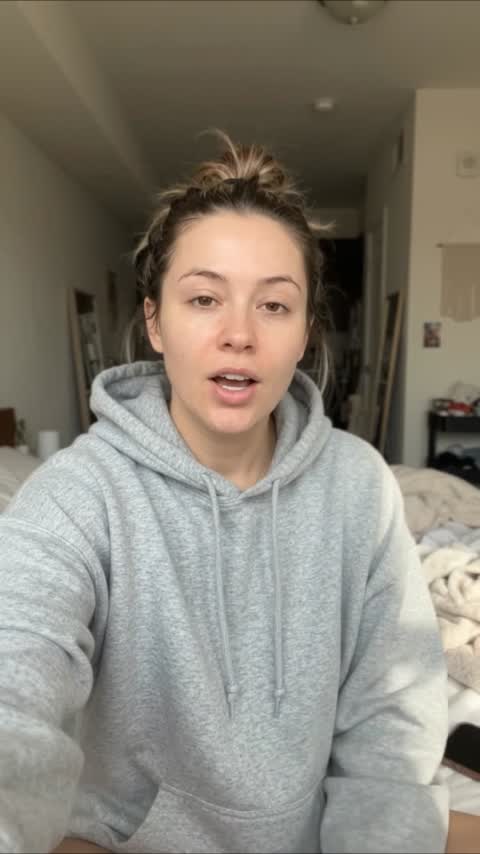
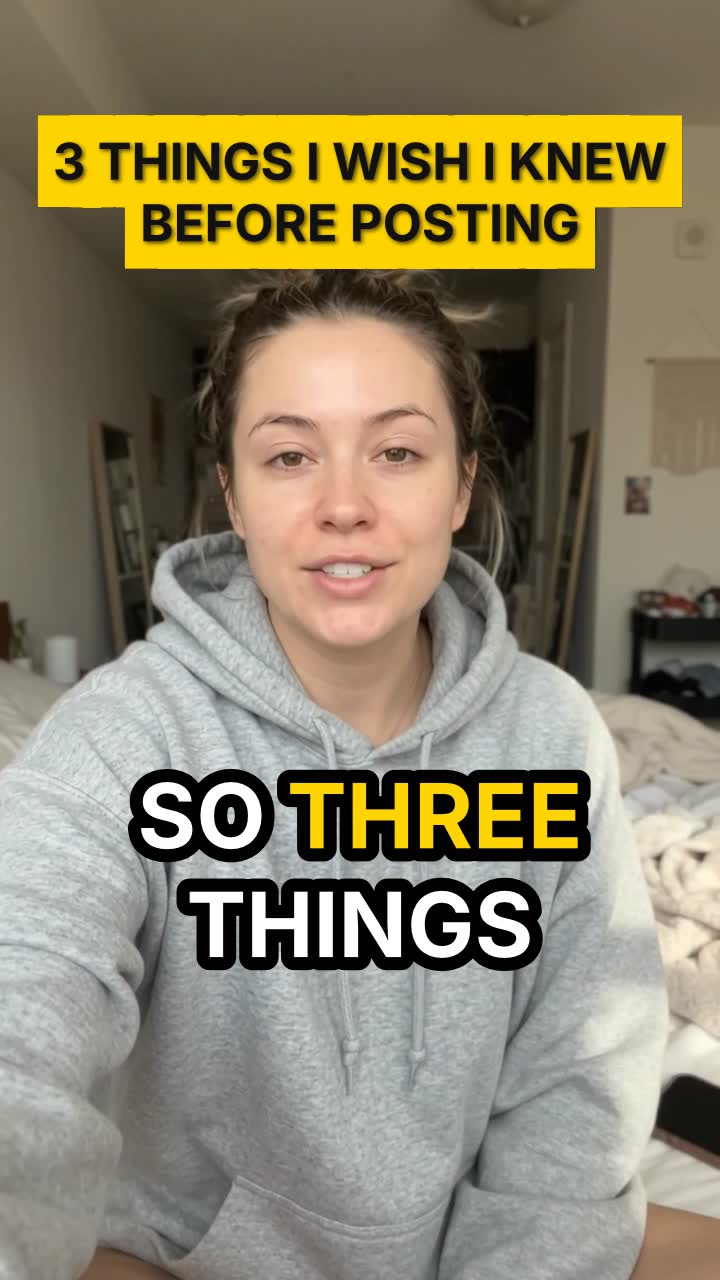
    Big or small, where on screen, one line or two, whether each word lights up as it’s said. Say it the way you would to an editor.

  4. 04

    Check it, then get the file

    Your agent looks at a preview before it hands it over. Ask for changes in words (“bigger”, “higher up”, “fix the spelling of my name”), then get the MP4, or an SRT or VTT file for YouTube.
02 / Say

What to type.

Add big captions to my video, two lines at most, near the bottom, and highlight each word as I say it. Export it vertical for Reels and give me an SRT file too.
Paste it into your agent, or say it your way
03 / Do it from your agent

Kazi, Claude or ChatGPT.

  1. 01

    Kazi

    In Kazi (app.apifunnel.ai), open Servers and add your own server. Paste the address, Connect, then sign in. Edit with Kazi

  2. 02

    Claude

    Customize → Connectors → + → Add custom connector. Paste the address, then sign in. Edit with Claude

  3. 03

    ChatGPT

    chatgpt.com/plugins → + → Add custom MCP server. Paste the address, authentication OAuth. Edit with ChatGPT

04 / Watch

Real edits, real agents.

  1. Before · 0:40After · 0:21

    Remove the pauses and restarts from a talking video

    A creator asks Claude to cut the long pauses, the restart and the repeated line out of a 40-second tips video. cuttingfloor keeps every point, adds big word-by-word captions and a hook title: a 21-second Short.

    Claude · 0:40 → 0:21
  2. Before · 0:24After · 0:15

    Turn a beauty product review into a 15-second Short

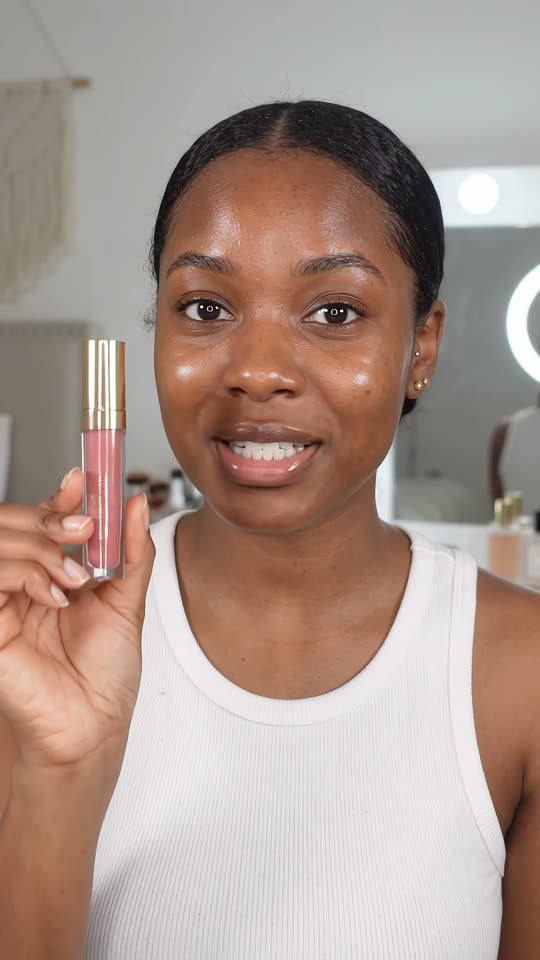
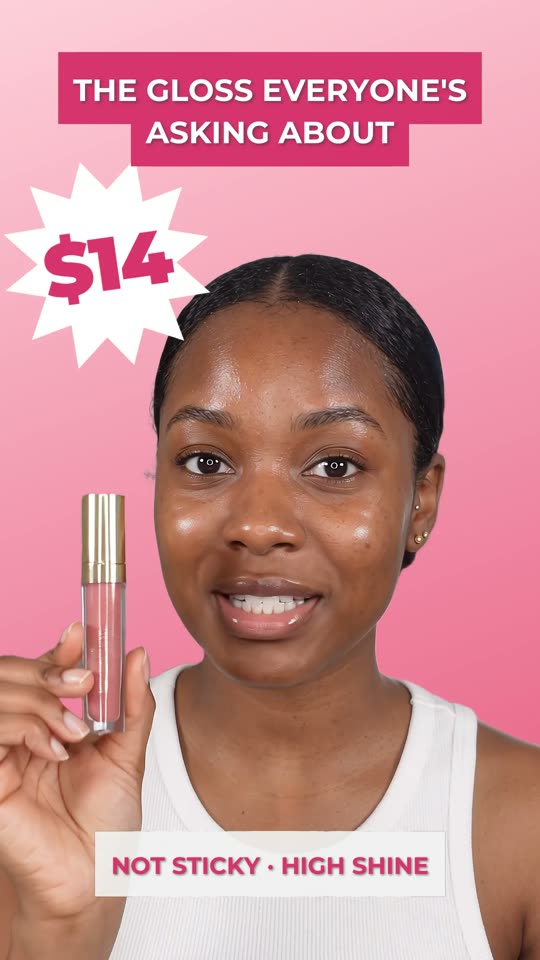
    A beauty creator asks ChatGPT to make a lip gloss review into a Short. cuttingfloor opens on the best line, speeds through the application, pops up callouts as she says them and cuts her out onto a pink end card with the price.

    ChatGPT · 0:24 → 0:15
  3. Before · 0:34After · 0:23

    Cut a dance video to the beat, with no copyrighted music

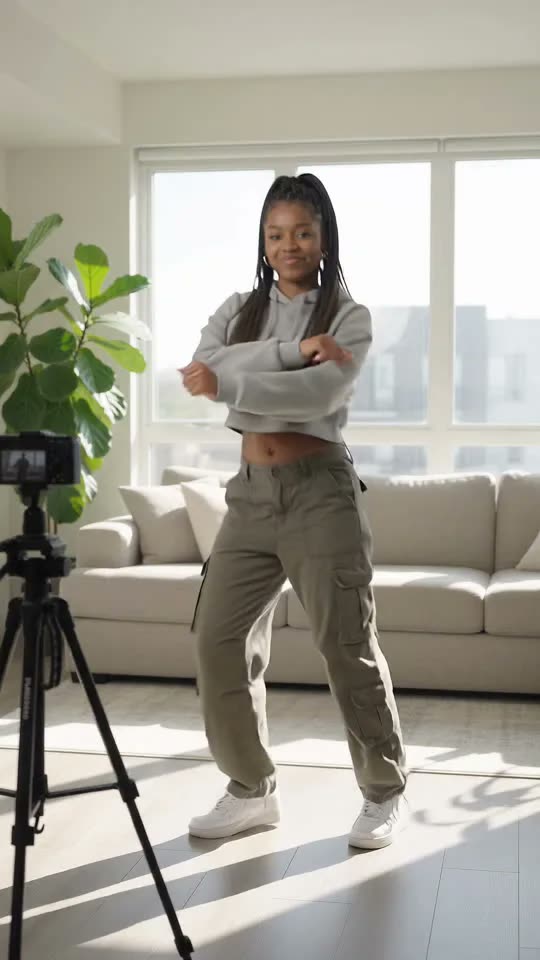
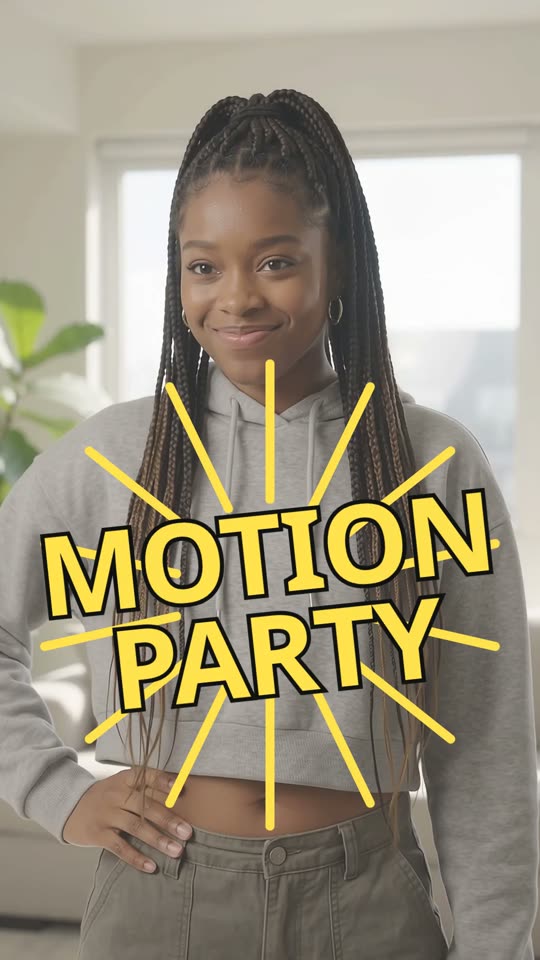
    A dancer gives Kazi four takes of a Motion Party-style routine. Kazi makes an original beat, cuttingfloor cuts a new shot on every bar, slows into the big move and puts each move’s name on screen: a 23-second Short.

    Kazi · 0:34 → 0:23
05 / Questions

Asked.

Can AI add captions to a video automatically?

Yes. Your agent transcribes the video with the time of every word, then places each caption where it’s said. You don’t type or time anything.

Can each word light up as it’s said?

Yes. The transcript has a time for every word, so captions can highlight the word being said, the way Shorts and Reels captions do.

Can I get an SRT or VTT file instead?

Yes. Ask for the captions as SRT or VTT, for YouTube or any player that takes a caption file, with or without burning them into the video.

Does it work in other languages?

Yes. Transcription recognizes the language spoken, Spanish included, and captions come out in it.

Can I fix a word it got wrong?

Yes. Tell your agent the right word or spelling (a name, a brand) and it changes the caption.

What does it cost?

Start free for 3 days, no card. After that, plans are on the pricing page.