Ask
Then say what you want.
Cut the long pauses, ums and restarts out of my video, then add big captions that highlight each word.
On its own, Claude can plan an edit but can’t cut your video. Add cuttingfloor as a connector and it can: Claude imports your footage, cuts it by what you said, adds captions and music, looks at a preview to check its work, and gives you back a finished MP4. The same works in Cowork and Claude Code.
LiveWatch it live now Kazi gives Big Buck Bunny a happy ending, while you watch.Free · a few minutes · no sign-upOn your phone? Claude adds servers on a computer. Try it now in Kazi, free
Kazi works on your phone and opens with a sample clip, edited on cuttingfloor while you watch.
Or set it up later: Send me the setup
https://api.cuttingfloor.ai/mcpOn your phone? Claude Cowork adds servers on a computer. Try it now in Kazi, free
Kazi works on your phone and opens with a sample clip, edited on cuttingfloor while you watch.
Or set it up later: Send me the setup
https://api.cuttingfloor.ai/mcpclaude mcp add --transport http cuttingfloor https://api.cuttingfloor.ai/mcp{
"mcpServers": {
"cuttingfloor": {
"type": "http",
"url": "https://api.cuttingfloor.ai/mcp"
}
}
}Cut the long pauses, ums and restarts out of my video, then add big captions that highlight each word.
 Before · 0:48
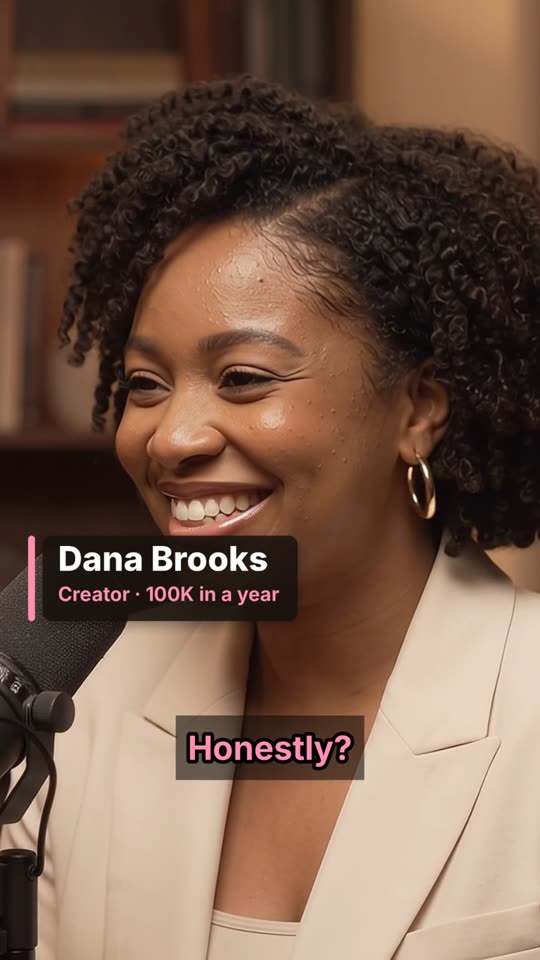 After · 0:23
A podcast host asks Claude to cut six camera angles of an interview together. cuttingfloor cuts to whoever is talking, removes the dead air and the ums, adds name cards and captions, and makes vertical and widescreen versions.
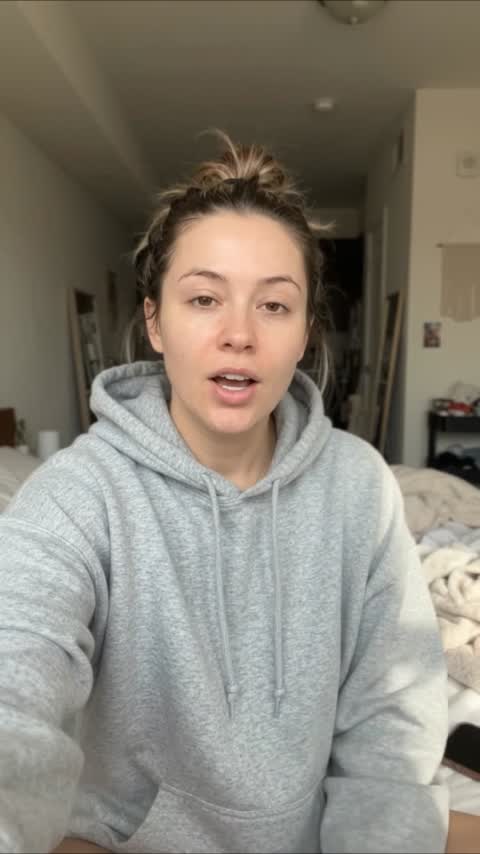 Before · 0:40
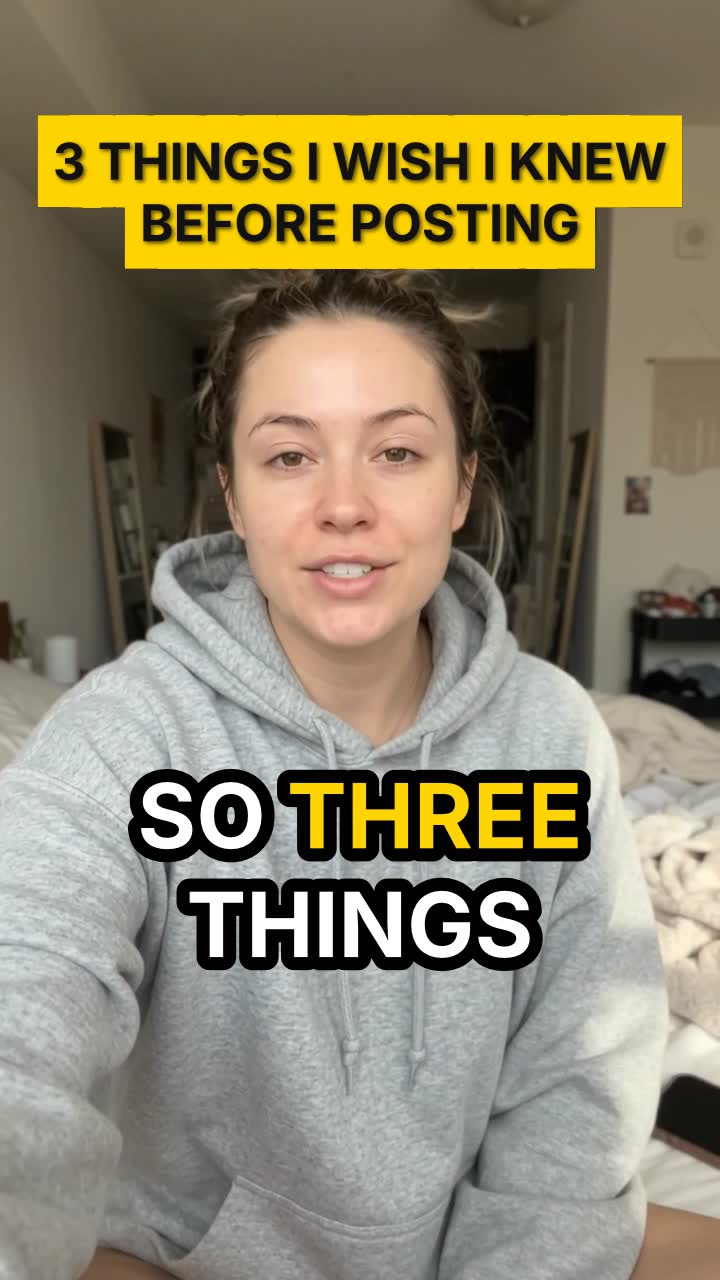 After · 0:21
A creator asks Claude to cut the long pauses, the restart and the repeated line out of a 40-second tips video. cuttingfloor keeps every point, adds big word-by-word captions and a hook title: a 21-second Short.
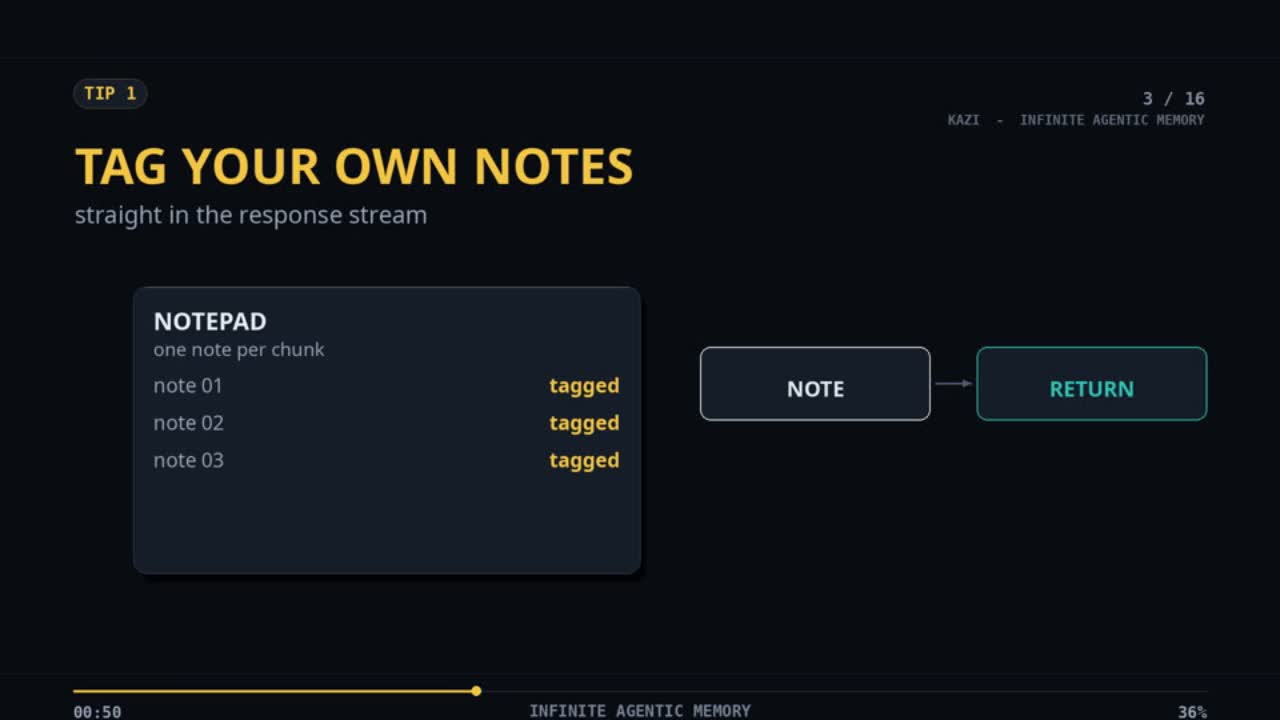 Before · 2:11
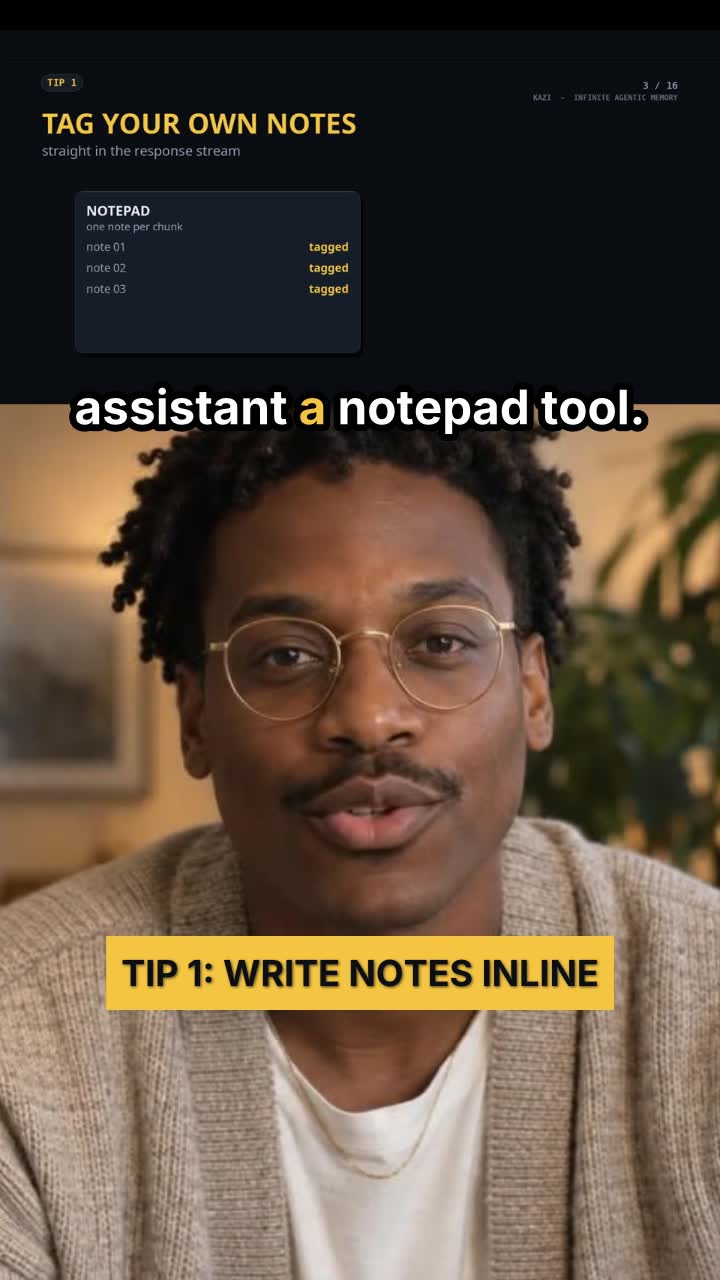 After · 2:11
A creator asks Claude to put himself into Tip 1 of his 24-minute slide explainer. cuttingfloor finds the tip by its words, cuts him out of his background into the corner the slides leave empty, then makes a vertical Short: slides on top, him underneath, captions on the seam.
Not by itself: Claude reads and writes, it doesn’t cut video. With cuttingfloor connected it can, because it gets the editing tools: import, cut, caption, mix, preview and export.
Yes. Run claude mcp add --transport http cuttingfloor https://api.cuttingfloor.ai/mcp, then type /mcp and sign in. Claude Code edits the same way, and can script long or repeated jobs.
Custom connectors work on Free, Pro, Max, Ultra, Team and Enterprise. Free accounts get one custom connector. On Team and Enterprise, an owner adds it for the organization first.
Yes. It transcribes your video with the time of every word, then adds captions that can highlight each word as you say it. It can also hand you the captions as an SRT or VTT file.
Start free for 3 days, no card. After that, plans are on the pricing page.
Edit with Kazi · Edit with ChatGPT · Every other app · All demos