The future of video editing

You bring the taste. Your agent does the editing.

Your agent edits with the judgment of a professional: what to keep, where to cut, when the music should hit. You decide how it should feel and what it is for. It does the heavy lifting and hands back the finished video. CapCut, Descript, VEED and Kapwing put the tools in your hands. cuttingfloor puts them in your agent's.

LiveWatch it live now Kazi gives Big Buck Bunny a happy ending, while you watch.Free · a few minutes · no sign-up
01 / Who does what

You direct. It edits.

  1. 01

    You set the outcome.

    “A 30-second teaser for TikTok. Punchy, big captions, end on the laugh.” That is the whole brief.

  2. 02

    Your agent edits like a pro.

    It listens to every take, finds the moments worth keeping, cuts them together, captions them, levels the sound and checks its own work.

  3. 03

    You make the call.

    Watch the cut and give notes like you would to an editor: “tighter in the middle,” “warmer color.” It changes it and shows you again.

02 / The work

Everything you open editing software for.

Said in a sentence instead of an afternoon of clicks.

The jobWhat you saySee it
Pauses and restarts“Cut my pauses, ums and false starts.”Watch the demo
Best take“I recorded it three times. Keep the best one.”Watch the demo
Beat sync“Cut it to the beat of the song.”Watch the demo
Captions“Big captions, highlight each word as I say it.”
Interviews“Cut between us when each person talks.”Watch the demo
Voiceover“Add a calm voiceover that walks through each room.”Watch the demo
Talking head“Put a presenter in the corner of my explainer.”Watch the demo
Background removal“Take me out of the background and put me over the product.”
Speed and zoom“Slow motion on the jump, punch in on the reveal.”
Look and color“Warmer, with a soft vignette.”
Shaky footage“Steady the handheld shot.”
Voice and music“Pull my voice off the music and bring the music down under it.”
Every size“A vertical one for Reels and a square one for LinkedIn.”
03 / Why your agent

Why your agent beats traditional editing software.

  1. 01

    Nothing to learn.

    No timeline, no keyframes, no menus. You describe the result and your agent works out the steps.

  2. 02

    It checks its own work.

    Every edit comes back with a preview: the picture, or for sound a waveform with the loudness measured. Your agent sees what it made before you do.

  3. 03

    It lives where you already work.

    Claude, ChatGPT, Codex, Cursor or Kazi. The same chat you have open now becomes your editing room.

What it does not do yet

There is no template library, no stock music or stickers, and no timeline to drag clips around by hand. If you want to move every clip yourself, traditional editing software is still the better tool. If you want the video made, hand it to your agent.

Compared cell by cell

Captions, reframing, voice cleanup, lip-sync and more, across CapCut, Descript, VEED, Kapwing, OpusClip and other apps, plus every video MCP server your agent could use instead. See the full comparison.

04 / Watch

Real clips, real agents.

  1. Before · 0:40After · 0:21

    Remove the pauses and restarts from a talking video

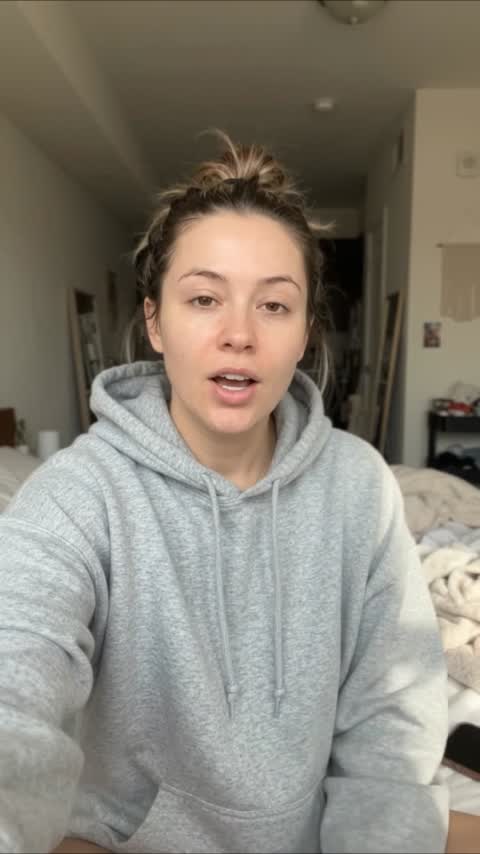
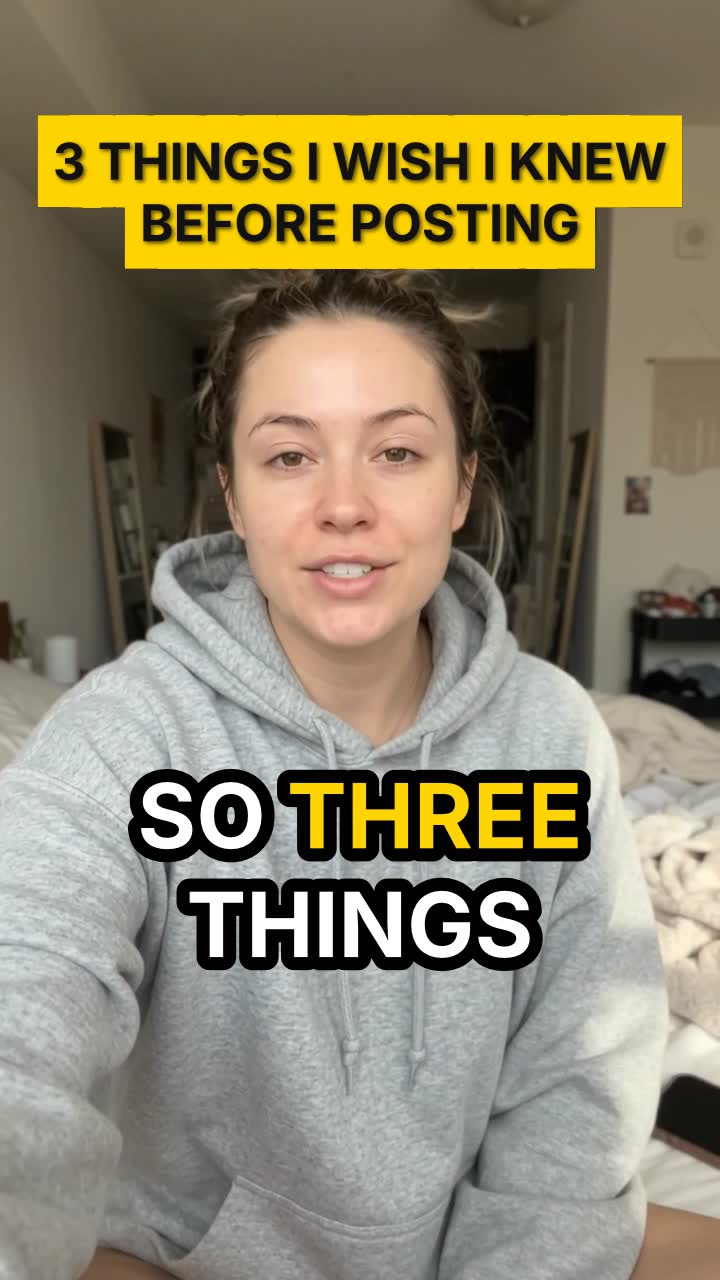
    A creator asks Claude to cut the long pauses, the restart and the repeated line out of a 40-second tips video. cuttingfloor keeps every point, adds big word-by-word captions and a hook title: a 21-second Short.

    Claude · 0:40 → 0:21
  2. Before · 0:34After · 0:23

    Cut a dance video to the beat, with no copyrighted music

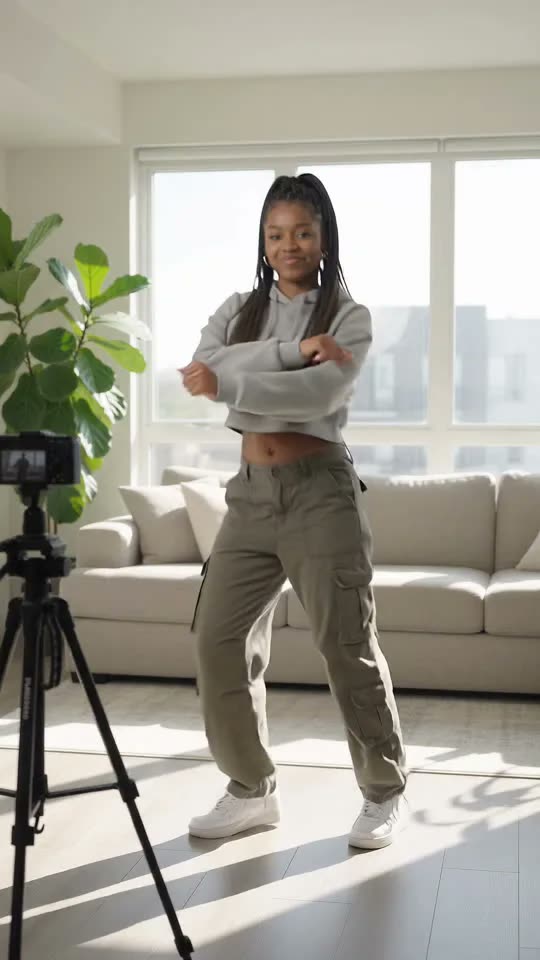
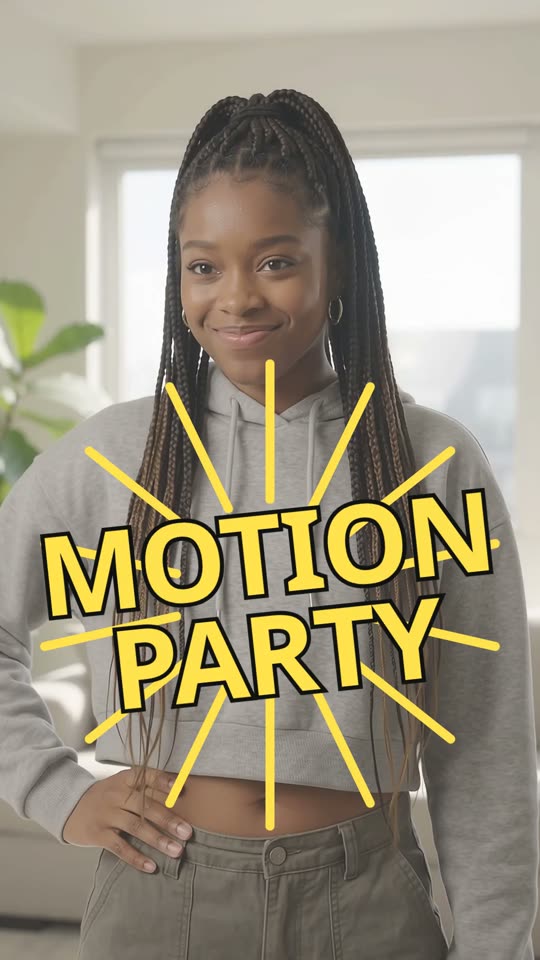
    A dancer gives Kazi four takes of a Motion Party-style routine. Kazi makes an original beat, cuttingfloor cuts a new shot on every bar, slows into the big move and puts each move’s name on screen: a 23-second Short.

    Kazi · 0:34 → 0:23
  3. Before · 0:24After · 0:15

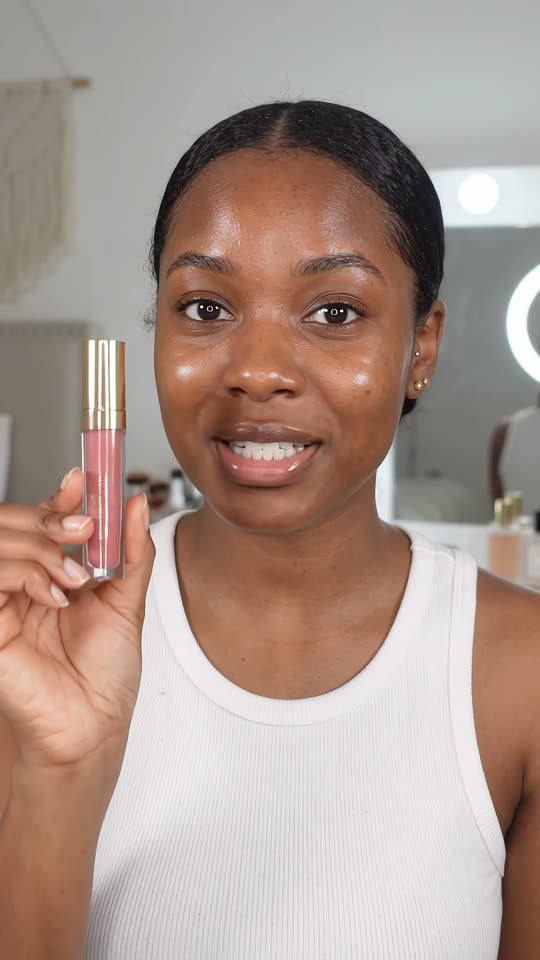
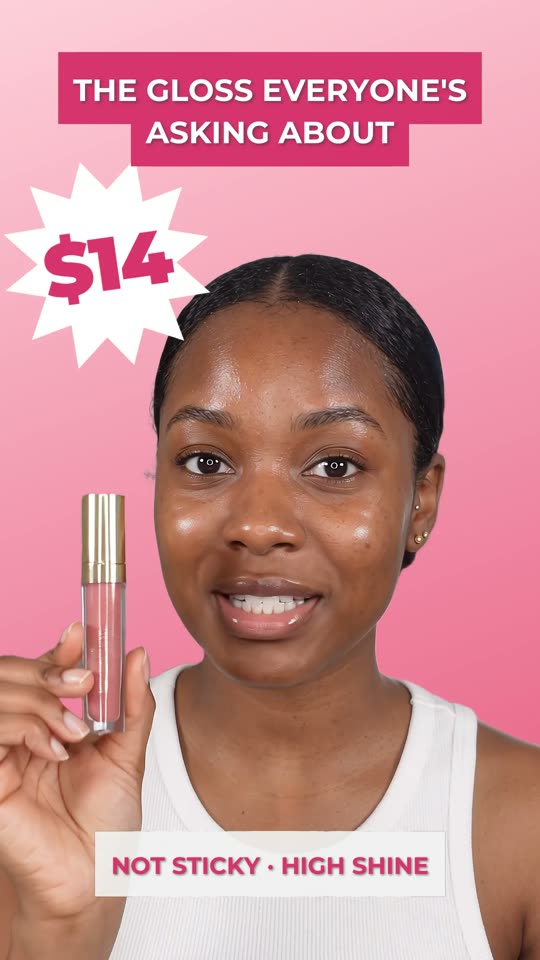
    Turn a beauty product review into a 15-second Short

    A beauty creator asks ChatGPT to make a lip gloss review into a Short. cuttingfloor opens on the best line, speeds through the application, pops up callouts as she says them and cuts her out onto a pink end card with the price.

    ChatGPT · 0:24 → 0:15
05 / Start

Connect your agent.

Your agent’s setup

In Kazi (app.apifunnel.ai), open Servers and add your own server. Paste the address, Connect, then sign in.

https://api.cuttingfloor.ai/mcp

Full steps for Kazi · Every app: Cowork, ChatGPT Work, VS Code, Zed, Goose and more

06 / Questions

Asked.

Is there an AI that edits videos for you?

Yes. Connect cuttingfloor to Claude, ChatGPT, Codex, Cursor or Kazi and describe the video you want. Your agent does the editing and sends back a finished MP4.

Do I need to know how to edit?

No. Know how you want it to look and feel, and who it is for. Your agent knows the craft: where to cut, how long to hold a shot, how loud the music should sit under a voice.

Do I still need CapCut or Descript?

Not to finish a video. You get a normal MP4. If you like doing a last pass by hand, take the edit itself into Final Cut Pro, Premiere or Resolve as FCPXML, OTIO or EDL, or open the MP4 in any editor you already use.

Is it like Opus Clip?

It can pull short clips out of a long video, and it also edits the whole thing: cuts, captions, sound, graphics and voiceover, in whatever shape you ask for.

How do I change something I do not like?

Say so, the way you would to an editor. "Tighter in the middle." "Lose the second joke." Earlier versions stay, so going back is one sentence too.

Descript and Kapwing have MCP servers now. How is this different?

Descript's MCP sends your request to Underlord, its own AI, with no call to cut, trim or caption. Kapwing's covers subtitles, translation and dubbing. cuttingfloor gives your agent the editing itself and a preview after every edit. The compare page has the full table.

What does it cost?

Start free for three days. After that you pay for rendering minutes, with a plan price you never go over. See pricing on the home page.