Guide

How to turn a long video into Shorts with AI

Connect cuttingfloor to the AI you already use (ChatGPT, Claude or Kazi), send the long video, and say which moments you want. It transcribes every word with its time, finds moments you describe in plain words, cuts each Short, keeps the speaker in frame shot by shot in full-screen 9:16, adds word-by-word captions, and exports each as an MP4.

LiveWatch it live now Kazi gives Big Buck Bunny a happier ending.Kazi is one way in: ChatGPT, Claude or any MCP app connects the same way.Free · a few minutes · no sign-up
01 / How

Four steps, all in words.

  1. 01

    Connect your agent once

    Add cuttingfloor to ChatGPT, Claude or Kazi (below). It takes a minute, and you sign in the first time.

  2. 02

    Send the long video

    Attach it in the chat, send a direct link to the file (public Dropbox and Google Drive links work), or drop it on your upload page. A YouTube or Twitch page is not the file itself: download your video first, then send it.

  3. 03

    Say which moments, how long and how they look

    Name the moments (“the clutch at the end”, “when she explains pricing”) or describe what to look for, how many Shorts, how long each is, and the caption style. Your agent reads the whole transcript and searches the picture for what you described, then shows you what it found.

  4. 04

    Check them, then get the files

    It looks at frames from every shot before it hands anything over. Ask for changes in words (“start on the joke”, “shorter”, “captions higher”), then get each Short as an MP4 with a link that plays in any browser.

02 / Say

What to type.

Here’s my 40-minute stream. Make three vertical Shorts for TikTok, 30 to 60 seconds each: the clutch round, the funniest fail, and the moment chat went wild. Start each on the hook, keep my face in frame, and add big captions that highlight each word. Give me the download links.
Paste it into your agent, or say it your way
03 / Do it from your agent

ChatGPT, Claude or Kazi.

https://api.cuttingfloor.ai/mcp
  1. 01

    ChatGPT

    chatgpt.com/plugins → + → Add custom MCP server. Paste the address, set Authentication to OAuth (so ChatGPT opens our sign-in). Edit with ChatGPT

  2. 02

    Claude

    Customize → Connectors → + → Add custom connector. Paste the address, then sign in. Edit with Claude

  3. 03

    Kazi

    In Kazi (app.apifunnel.ai), ask it to connect the cuttingfloor MCP server at this address, then sign in. Edit with Kazi

04 / Watch

Real edits, real agents.

  1. Before · 2:20After · 0:25

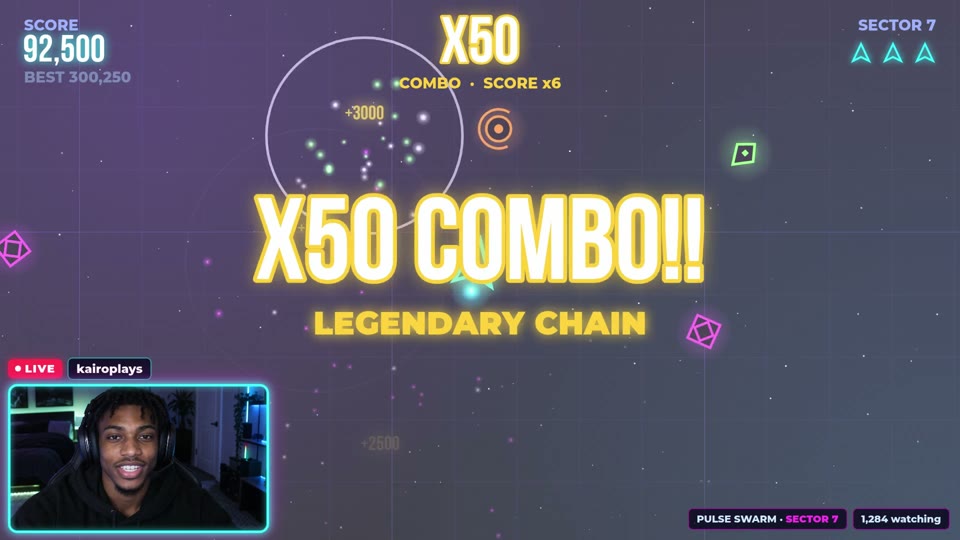
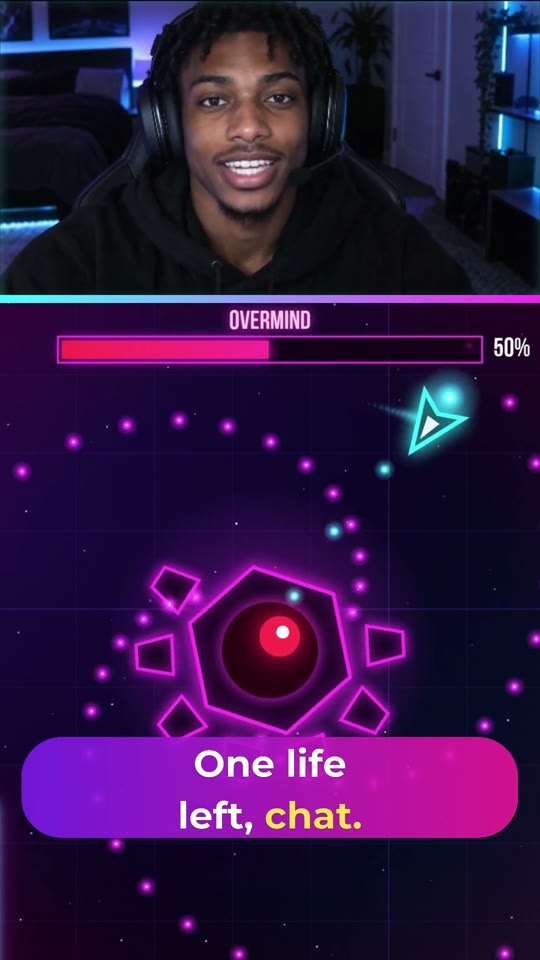
    Turn a gaming stream into Shorts

    A streamer asks ChatGPT to turn his stream into Shorts. cuttingfloor finds the three best moments, opens each on its hype line, stacks his facecam over the gameplay in 9:16 and adds big word-by-word captions: three Shorts from one stream.

    ChatGPT · 2:20 → 0:25
  2. Before · 0:48After · 0:23

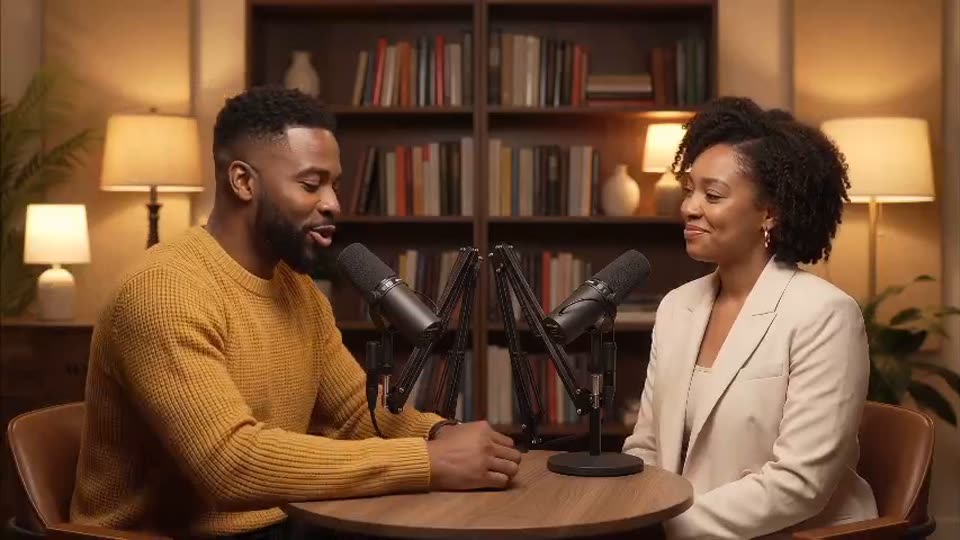
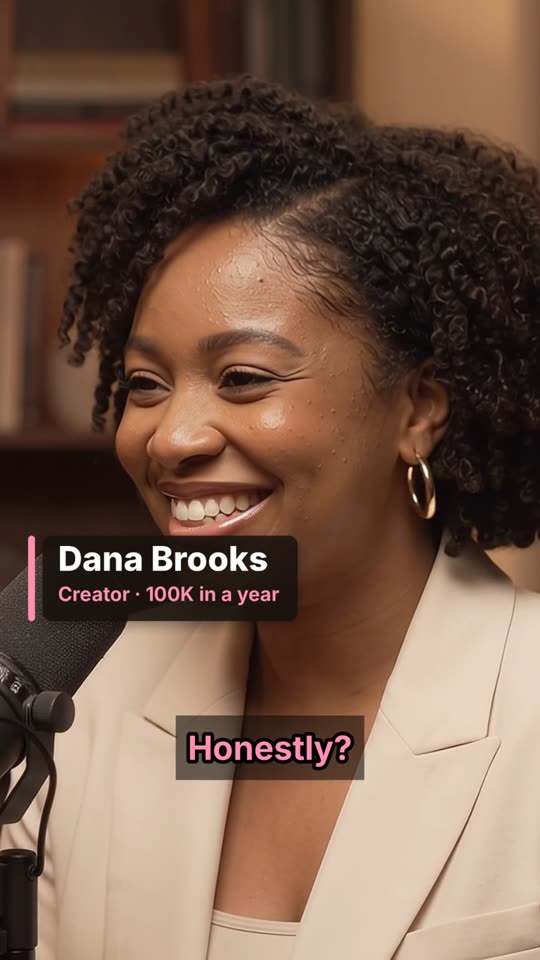
    Edit a two-person interview into a Short

    A podcast host asks Claude to cut six camera angles of an interview together. cuttingfloor cuts to whoever is talking, removes the dead air and the ums, adds name cards and captions, and makes vertical and widescreen versions.

    Claude · 0:48 → 0:23
  3. Before · 0:24After · 0:15

    Turn a beauty product review into a 15-second Short

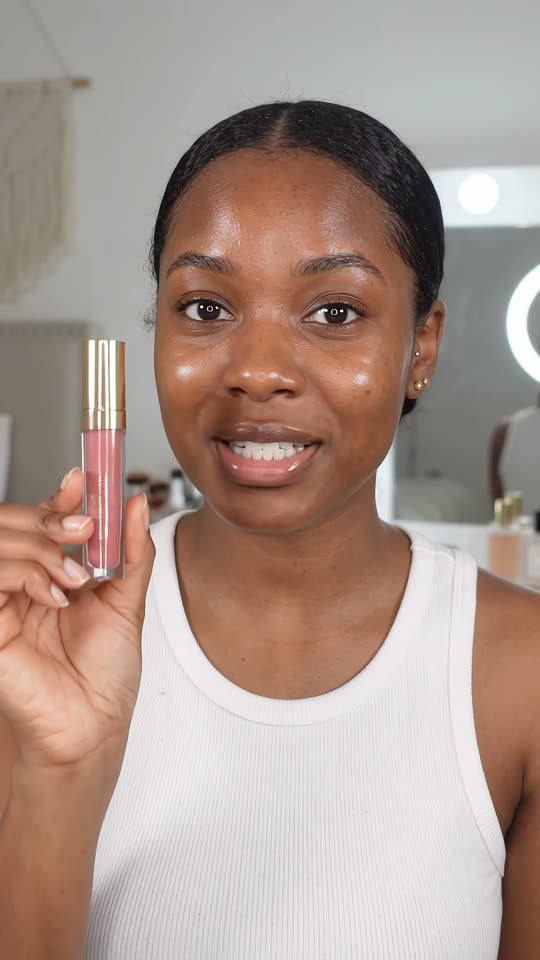
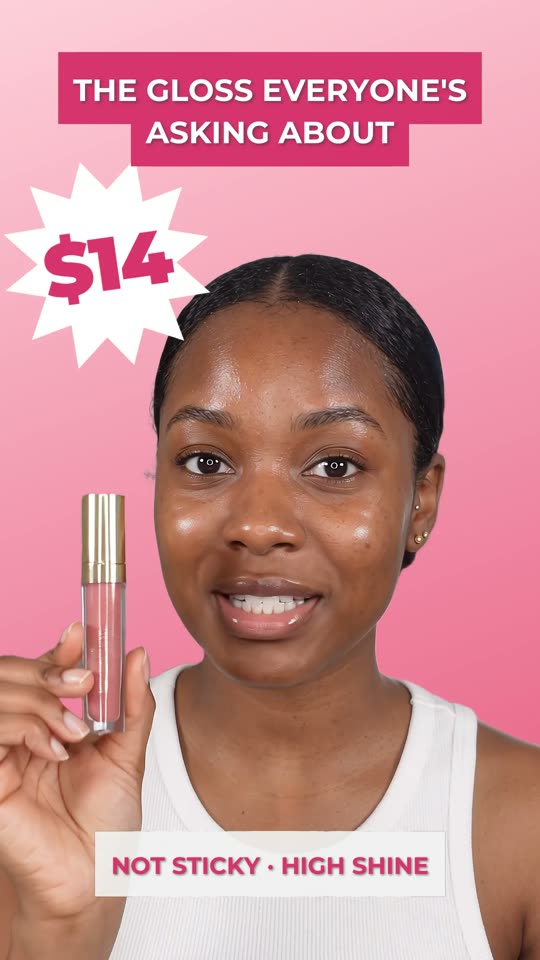
    A beauty creator asks ChatGPT to make a lip gloss review into a Short. cuttingfloor opens on the best line, speeds through the application, pops up callouts as she says them and cuts her out onto a pink end card with the price.

    ChatGPT · 0:24 → 0:15
05 / Questions

Asked.

Can AI turn one long video into several Shorts?

Yes. The video is imported once and analysed once; every Short is cut from that same copy, so ten Shorts don’t cost ten imports. Each Short gets its own edit and its own export.

How does it make a wide video vertical without black bars?

By pan and scan: the picture fills the 9:16 frame and the crop moves to keep the subject in view. cuttingfloor finds every shot change and every face (five times a second), then sets the crop once per shot, so it jumps on cuts and never drifts. On a 12-minute film, finding the shot changes took 12 seconds and the faces 41 seconds.

What if there are two people, a facecam, or no face at all?

Two people far apart can be stacked, one above the other, each kept in frame. A gaming stream’s facecam can sit across the top with the gameplay below. With no face, it follows any subject you point at (a car, a player, a product), or puts the whole wide picture in the middle over a blurred copy of itself.

Does the AI pick the best moments for me?

It finds what you describe, and you decide. It reads the full transcript with the time of every word and searches the picture for moments you name in plain words (“a big win”, “when she laughs”), then shows you frames from each before cutting. Taste stays yours; it doesn’t score clips for you.

Can it add TikTok-style captions?

Yes. Captions are placed from the transcript’s word times and can light up each word as it’s said. Style is yours: font, size, colour, position, outline, shadow, and a gradient or rounded band behind the words. You can also get them as an SRT or VTT file.

Can I paste a YouTube or Twitch link?

Not a video page: the server needs the file itself. Download your stream or video (from YouTube Studio, your Twitch VODs or your camera), then attach it, send a direct file link, or drop it on your upload page.

How long can the video be, and how long should each Short be?

Long videos are fine: streams, films, full podcast episodes. Most Shorts that hold attention run 15 to 60 seconds and open on their hook in the first two seconds; YouTube allows Shorts up to three minutes. Tell your agent the length you want.

Is this a separate app like OpusClip?

No. cuttingfloor works inside the AI you already use (ChatGPT, Claude, Kazi, or any app that speaks MCP), so you ask for edits in your own words and can change anything after. It’s open source and can run on your own machine too.

How does my agent know how to do this well?

cuttingfloor ships skills, short methods your agent finds when it needs them: one for turning a long video into Shorts, built on pan and scan, subject tracking and Shorts-style captions. Your agent reads them on its own; you don’t need to mention them.

What does it cost?

Start free with 25 credits, no card and no time limit. A credit is a minute of the server working (importing, analysing, exporting); editing and previews are free, so one import feeds every Short. After that, credit packs that never expire, on the pricing page.