Guide

How to make a jingle for a video or an ad with AI

Connect cuttingfloor to ChatGPT, Claude or Kazi, send your ad or intro and describe the jingle. Your agent writes a short tune on the instruments you want, times it to the picture, and lands the last note exactly as your logo appears. Change the tune, the instruments or the ending in words.

LiveWatch it live now Kazi gives Big Buck Bunny a happier ending.Kazi is one way in: ChatGPT, Claude or any MCP app connects the same way.Free · a few minutes · no sign-up
01 / How

Four steps, all in words.

  1. 01

    Connect your agent once

    Add cuttingfloor to ChatGPT, Claude or Kazi (below). It takes a minute, and you sign in the first time.

  2. 02

    Send the video, or just your logo

    Attach the ad, intro or outro in the chat, send a link, or drop it on your upload page. With only a logo, your agent can animate it for you too.

  3. 03

    Describe the jingle

    How long, how it feels and what it ends on: “four seconds, bright and happy, bells and piano, ending on a big chord as the logo pops in.” Or hum the tune you have in mind on your upload page.

  4. 04

    Listen, change it, then use it everywhere

    Ask for changes in words (“higher”, “one note shorter”, “end on a drum hit”). Get the video with the jingle in it, or the jingle alone as a WAV or MP3 for the start or end of every video.

02 / Say

What to type.

Make a 5-second jingle for the end of my ad: bright and friendly, bells and piano, with the last note landing exactly when my logo appears.
Paste it into your agent, or say it your way
03 / Do it from your agent

ChatGPT, Claude or Kazi.

https://api.cuttingfloor.ai/mcp
  1. 01

    ChatGPT

    chatgpt.com/plugins → + → Add custom MCP server. Paste the address, set Authentication to OAuth (so ChatGPT opens our sign-in). Edit with ChatGPT

  2. 02

    Claude

    Customize → Connectors → + → Add custom connector. Paste the address, then sign in. Edit with Claude

  3. 03

    Kazi

    In Kazi (app.apifunnel.ai), ask it to connect the cuttingfloor MCP server at this address, then sign in. Edit with Kazi

04 / Watch

Real edits, real agents.

  1. Before · 0:19After · 0:15

    Make a 15-second product ad with a jingle that ends on your logo

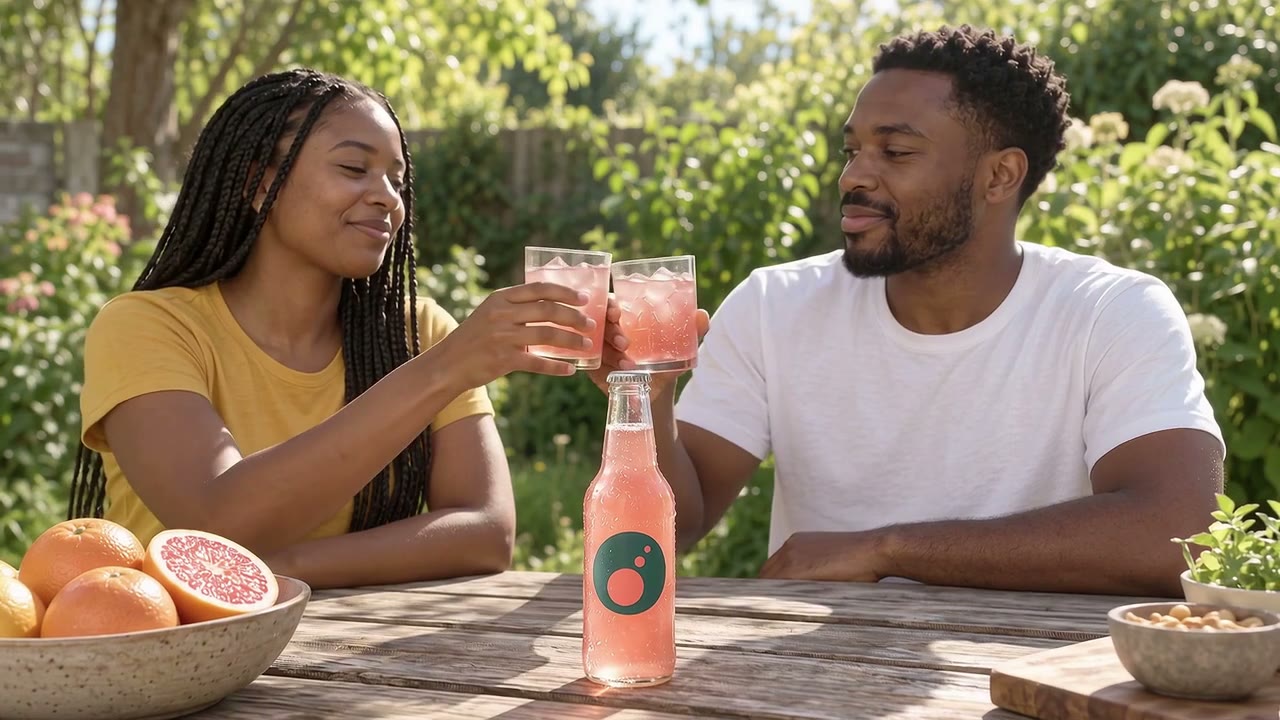
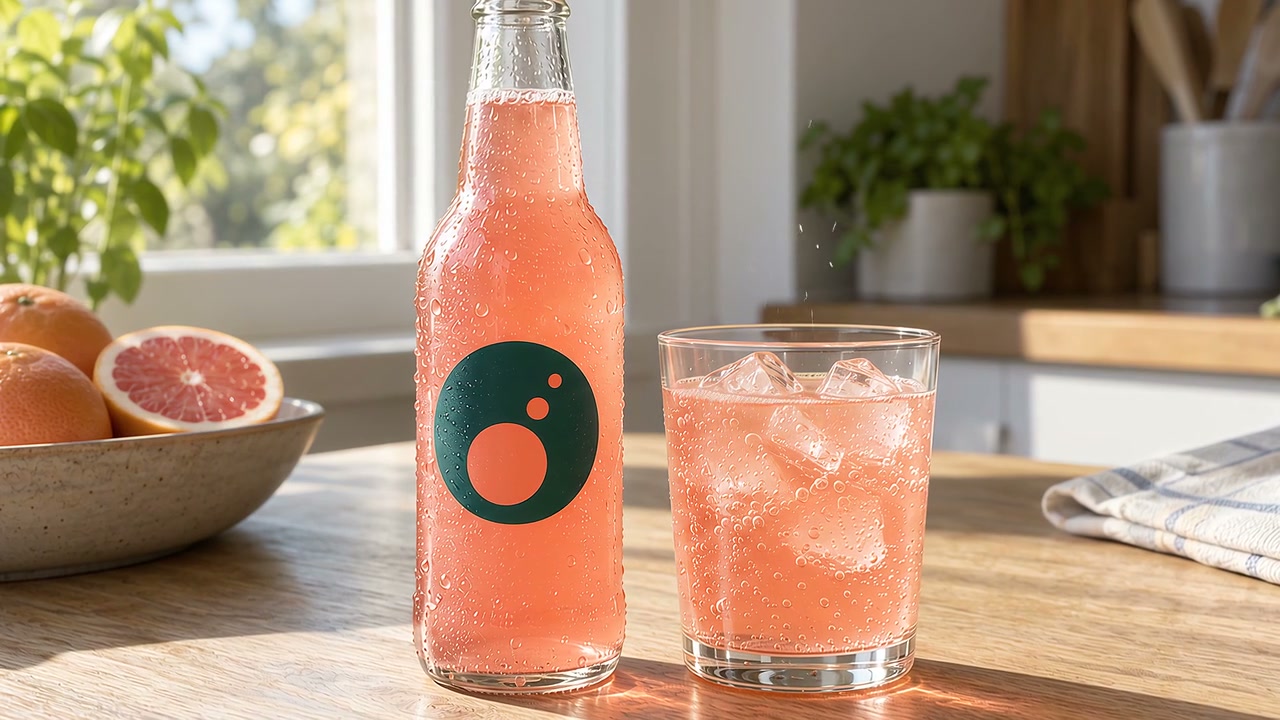
    A soda maker gives Claude five product shots and a logo. cuttingfloor cuts them into a 15-second ad and makes the jingle for it from instruments and notes: a bouncy tune on marimba with piano chords, bass and drums, whose last note lands on the exact frame the logo appears. The cap’s hiss and the clink of the glasses stay in.

    Claude · 0:19 → 0:15
05 / Questions

Asked.

How does the last note land on the logo?

Your agent finds the frame your logo appears on, marks that moment in the music and writes the tune so its last note starts there. Then it checks where the note really lands in the finished video.

Can it sing my brand name?

No. Jingles here are instrumental: there’s no singer and no lyrics. For words, add a voiceover over the tune, recorded by you or made from your script.

Can I hum the tune I have in mind?

Yes. Record it on your upload page and your agent turns your hum into notes, then plays it on the instruments you pick.

Can I get the jingle on its own?

Yes, as a WAV or MP3, to use at the start or end of every video, or in a podcast.

Can I try a few versions?

Yes. Ask for two or three (“one with piano, one with brass”). Each is its own version and the earlier ones stay, so you can pick or go back.

Can it sound like another brand’s jingle?

Describe the feel you want instead (“short, warm and confident, like a sign-off”). Your agent writes an original tune from that.