Guide

How to add music to a video or Short with AI

Connect cuttingfloor to the AI you already use (ChatGPT, Claude or Kazi), send your video and say what music you want: a song you have, or music made for the video. Your agent lays it under the picture, turns it down while you talk, cuts to your song’s beat or builds the beat on your cuts, fades it out and hands you the MP4.

LiveWatch it live now Kazi gives Big Buck Bunny a happier ending.Kazi is one way in: ChatGPT, Claude or any MCP app connects the same way.Free · a few minutes · no sign-up
01 / How

Four steps, all in words.

  1. 01

    Connect your agent once

    Add cuttingfloor to ChatGPT, Claude or Kazi (below). It takes a minute, and you sign in the first time.

  2. 02

    Send the video and, if you have one, the song

    Attach them in the chat, send a direct link to each file, or drop them on your upload page. With no song, your agent makes the music for the video.

  3. 03

    Say how the music should go

    With your song: “cut the video to the beat”, “start it at the drop”, “quieter while I talk”. With no song: how it should sound (“upbeat, guitar and a light beat”) and any moment it should hit.

  4. 04

    Check it, then get the file

    Your agent measures the mix before it hands it over. Ask for changes in words (“louder at the end”, “no drums”), then get the MP4, vertical for Shorts, Reels and TikTok or wide for YouTube.

02 / Say

What to type.

Add music to my video: use this song, cut the shots to its beat, turn it down while I’m talking and fade it out at the end. Make it vertical for Shorts.
Paste it into your agent, or say it your way
03 / Do it from your agent

ChatGPT, Claude or Kazi.

https://api.cuttingfloor.ai/mcp
  1. 01

    ChatGPT

    chatgpt.com/plugins → + → Add custom MCP server. Paste the address, set Authentication to OAuth (so ChatGPT opens our sign-in). Edit with ChatGPT

  2. 02

    Claude

    Customize → Connectors → + → Add custom connector. Paste the address, then sign in. Edit with Claude

  3. 03

    Kazi

    In Kazi (app.apifunnel.ai), ask it to connect the cuttingfloor MCP server at this address, then sign in. Edit with Kazi

04 / Watch

Real edits, real agents.

  1. Before · 0:22After · 0:22

    Add background music to a talking video, with every word still clear

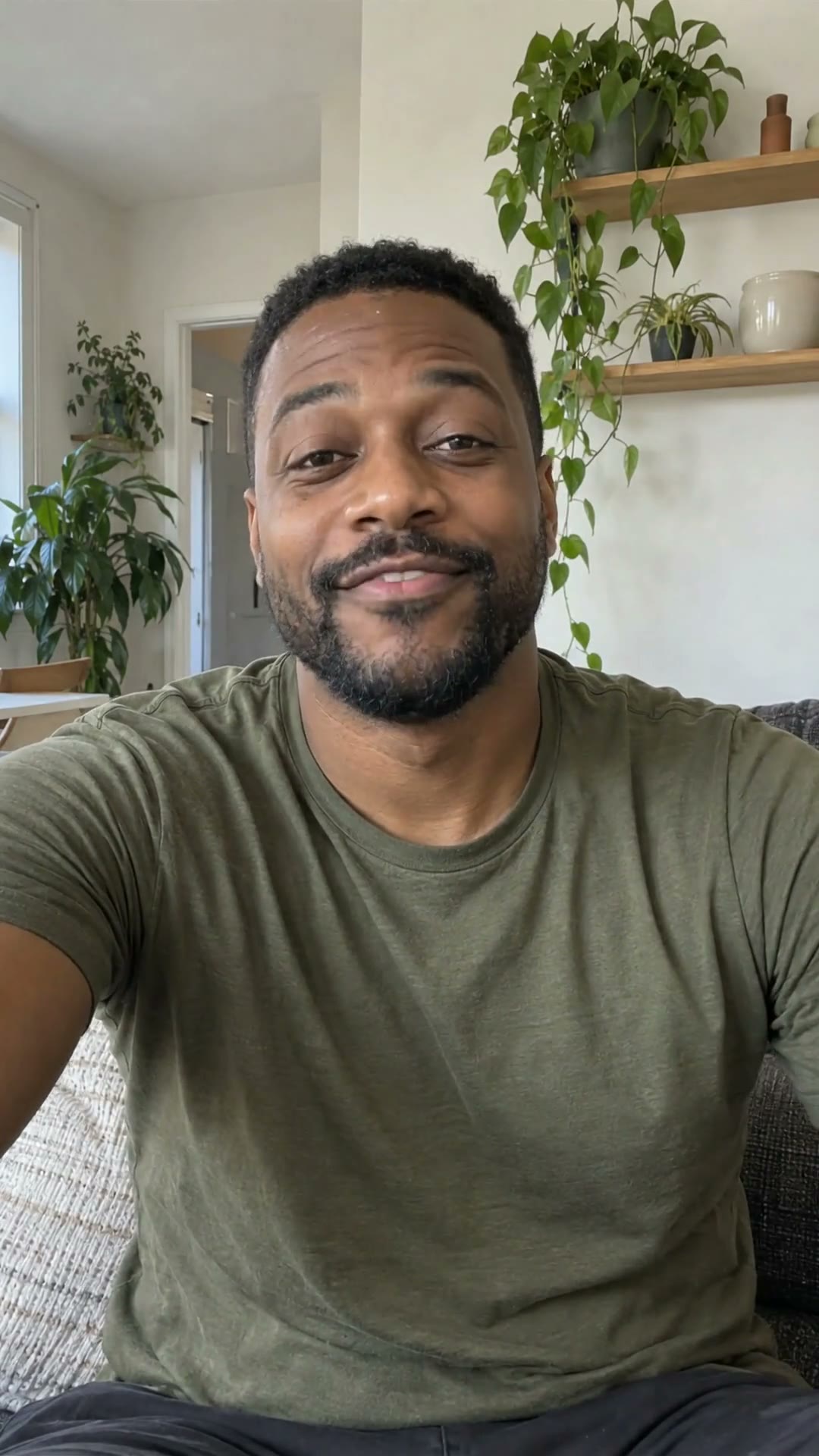
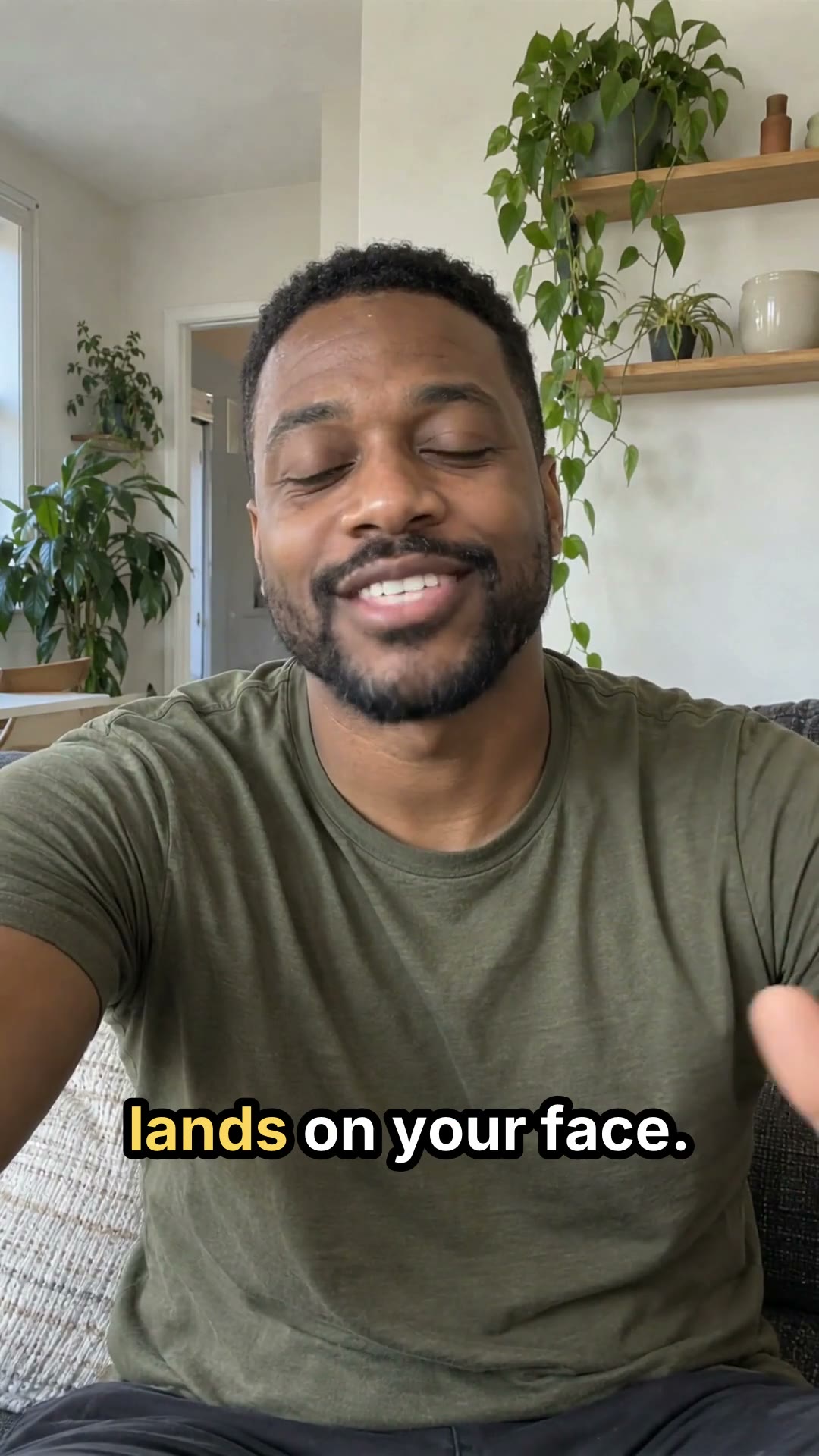
    A creator gives ChatGPT one take of himself talking, with no music. cuttingfloor makes the music for it from instruments and notes: a warm electric piano, a soft pad and bass, kept well under his voice, a little louder in his pauses, and ending on a held chord as he says his last words. Word-by-word captions sit below his face.

    ChatGPT · 0:22
  2. Before · 0:29After · 0:15

    Make a small business Reel from a few phone clips

    A small coffee roaster gives ChatGPT four shaky phone clips with nobody talking and a music track. cuttingfloor puts a bold hook on the first frame, cuts the best moments into short shots on the beat, steadies and warms up the footage, keeps the pour and the beans audible under the music and ends on the shop name and a call to action: a 15-second Reel for Instagram.

    ChatGPT · 0:29 → 0:15
  3. Before · 1:00After · 0:22

    Cut one dance routine filmed from six angles into a Short, on the beat

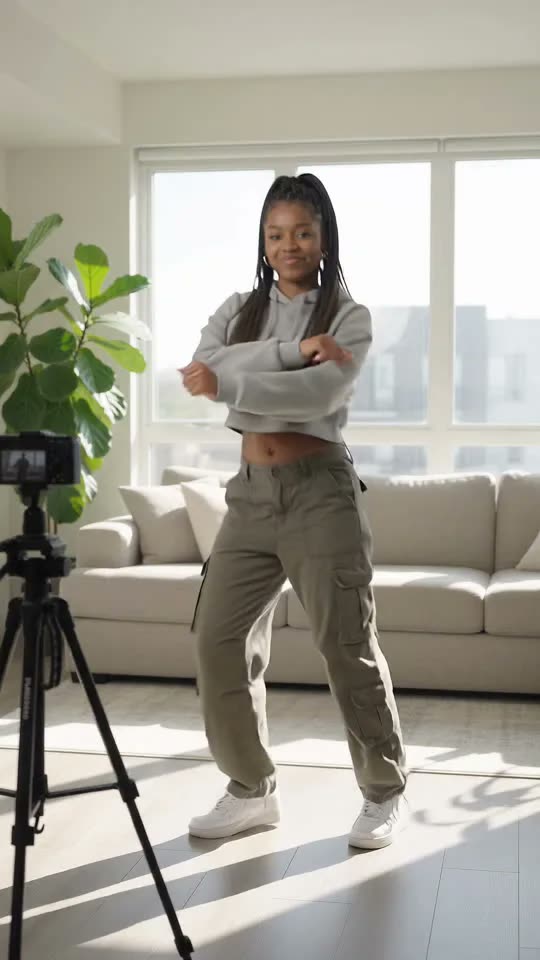
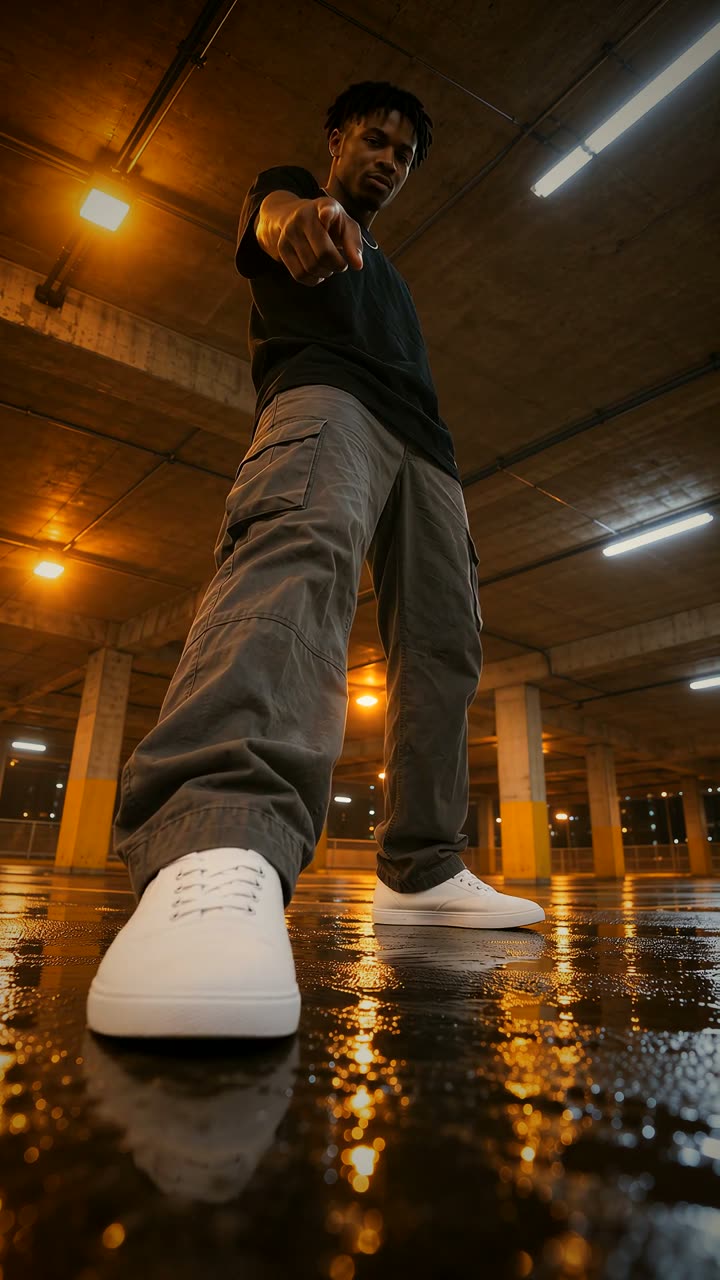
    A dancer gives Kazi six takes of the same routine, filmed wide, waist-up, low from the floor, from the side, on his feet and close up, in a parking garage at night. Kazi makes an original beat, and cuttingfloor cuts between the angles on the hits, slows into the spin, punches in on the big moves and grades it: a 22-second Short.

    Kazi · 1:00 → 0:22
05 / Questions

Asked.

Can I use a song I already have?

Yes. Send the sound file with your video. Your agent finds its beats, cuts the video to them, turns it down while you talk and fades it out at the end. A song you bring is yours to clear for where you post.

What if I don’t have any music?

Your agent makes it for the video from instruments and notes, layer by layer: the beat on your cuts, a hit on the big moment and the last note on the last frame. It’s not a song generator: there’s no singer and no lyrics.

Can I layer music with a voiceover and sound effects?

Yes. Your voice, a voiceover, the music and each sound effect sit on their own layer with their own level, so you can ask for one to be louder, quieter or gone without touching the rest.

Will I still hear my voice over the music?

Yes. Your agent turns the music down under your voice and can read back the words of the finished mix to check every one came through.

Does it work for Shorts, Reels and TikToks?

Yes. Ask for vertical and the length you want. A wide video is made vertical with you kept in frame, and the music is fitted to the finished cut, so it ends when the video does.

Can I paste a YouTube or Spotify link?

No: it needs the file itself. Send a song you have as a file (MP3 or WAV), or a direct link to the file.

Can I change the music afterwards?

Yes. Each change makes a new version and the old ones stay. With music made for the video you can change any part too: “slower”, “no drums”, “swap the piano for guitar”.

What does it cost?

Making is free, no card: every edit and export, as many times as you like. Exports download free with a cuttingfloor watermark; removing the watermark costs credits, priced by the video’s length, and a new account gets 3 credits when you activate it. After that, credit packs that never expire, on the pricing page.