Why it shows
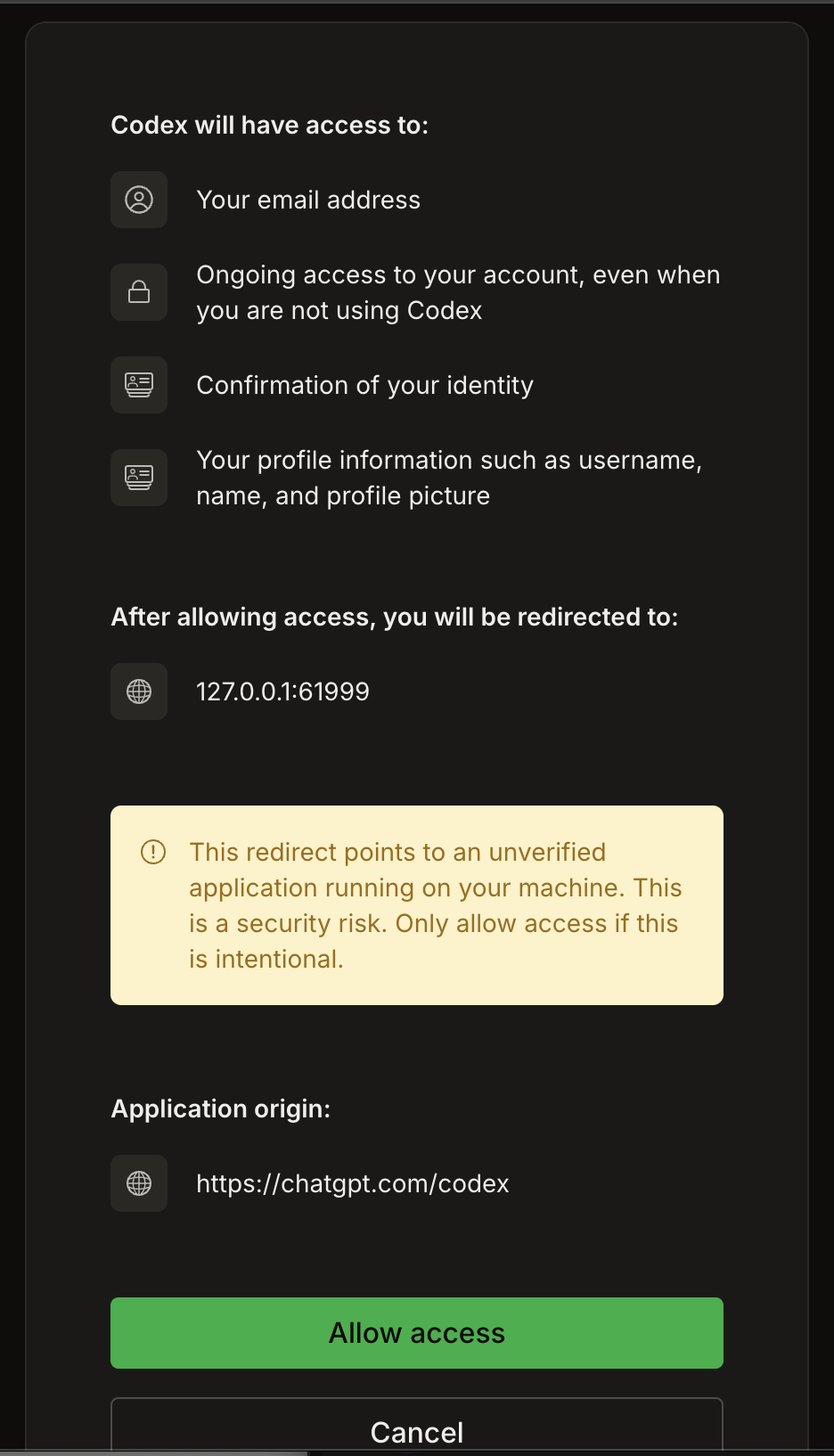
Apps on your computer, like Codex, Claude Code and Cursor, finish signing in by sending your browser back to the app itself, at an address on your own machine (often 127.0.0.1 and a number). The sign-in page can’t see which app is listening there, so it asks you to make sure it’s yours. Any service that signs these apps in this way shows a warning like it. You can read more in the MCP spec, which asks sign-in pages to warn when an app signs in through localhost.
What to do
- You just started the sign-in from your app: click Allow access, and you’re connected.
- You didn’t start a sign-in yourself: click Cancel.